The best options for taxi driving and realistic train simulation on Windows

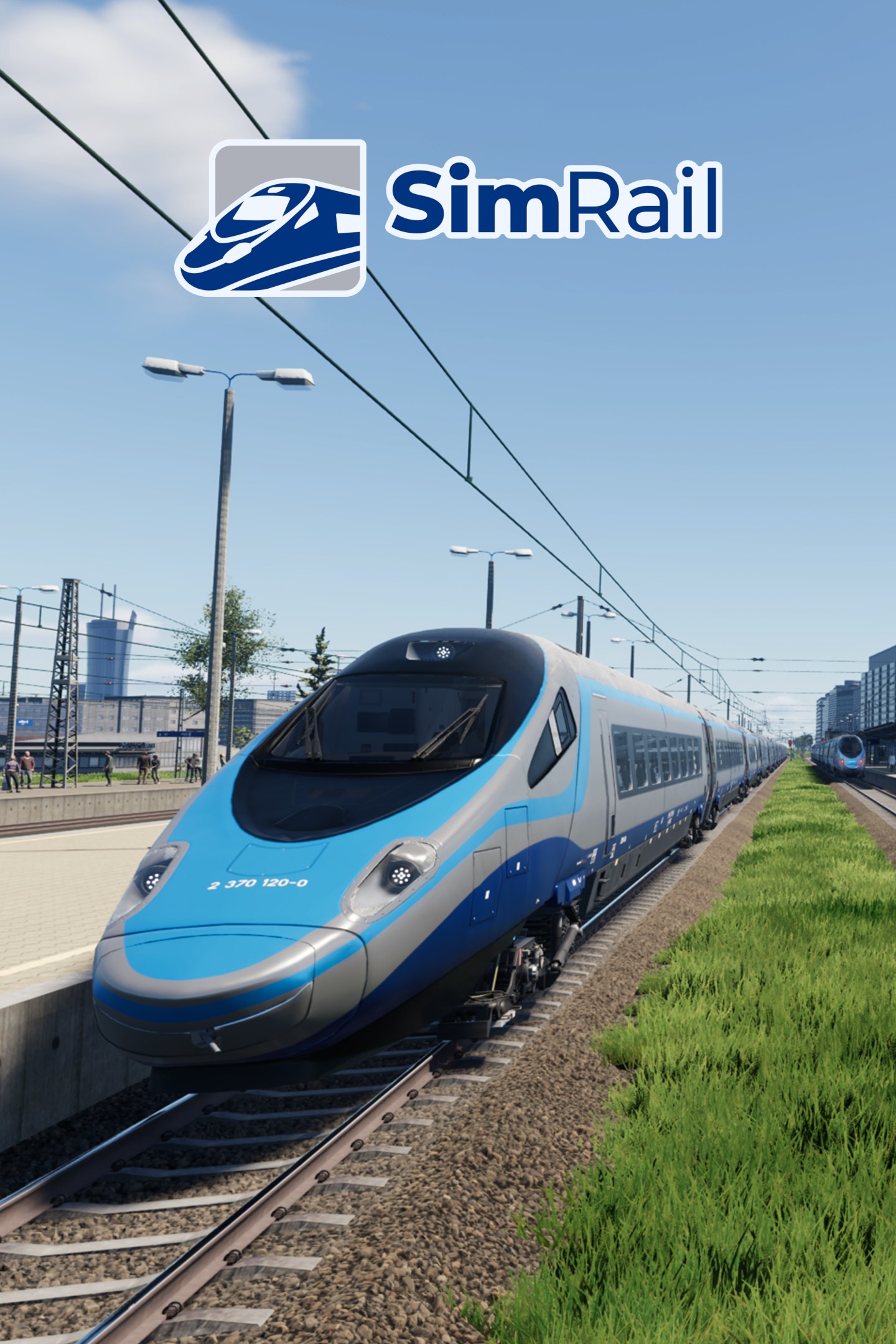
Comprar SimRail - The Railway Simulator | Xbox

For realistic cab driving, the market splits into distinct simulation philosophies: physical hands-on mechanics, real-time multiplayer operations, high-fidelity visual routes, and hardcore physics engines.

The Top Realistic Cab Driving Simulators

1. Derail Valley — Best for Hands-On Mechanical Immersion
  • Primary Focus: Sandbox career mode, physical interactions, and consequences.

  • Physics & Realism: Extreme. Every dial, switch, handbrake, and brake hose in the cab must be operated manually. Engines suffer heat damage, wheel slip, boiler explosions, and cataclysmic derailments if operated recklessly.

  • Standout Feature: Full Desktop PC & VR support. You physically walk around yards, step up onto engines, connect air hoses, service locomotives in maintenance sheds, and manage logistics orders.

2. SimRail: The Railway Simulator — Best for Multiplayer & Safety Systems
  • Primary Focus: High-speed European routes and real-time network traffic.

  • Physics & Realism: Authentic safety systems (ETCS, SHP, CA, Radio-Stop). Locomotives require accurate start-up procedures, pantograph configuration, and adherence to signal aspects.

  • Standout Feature: Live Multiplayer. Human drivers operate trains under the real-time direction of human signal dispatchers manning track control towers.

3. Train Sim World 5 — Best for Visual Detail & Variety
  • Primary Focus: First-person passenger and freight schedules on real-world routes.

  • Physics & Realism: Moderate to High. Full 1:1 modeled cabs with interactive buttons, realistic brake simulation, and authentic engine sounds.

  • Standout Feature: Walkaround Mode & Conductor Features. You can walk platforms, open passenger doors, check tickets, step down onto tracks, and hop between trains operating on live 24-hour timetables.

4. Run 8 Train Simulator (v3) — Best for Heavy North American Freight Physics
  • Primary Focus: Hardcore US freight operations (BNSF, Union Pacific, CSX).

  • Physics & Realism: Industry-grade. Models exact train dynamics—coupler stress, dynamic brake overheating, distributed power units (DPU), slack action, and complex 3D air brake propagation through 100+ car trains.

  • Standout Feature: Zero fluff, raw realism. It drops visual graphics polish in favor of exact rail mechanics and multi-user signal yards.

Comparison Summary

Simulator
Physics Depth
Multiplayer
Ideal For

Derail Valley
Very High (Tactile)
Single-player
Players who want hands-on mechanical interaction and career progression.

SimRail
High (Systems)
Live Servers
Fans of European railways, signaling systems, and multiplayer coordination.

Train Sim World 5
Moderate–High
Single-player
High-end visual fidelity, official licenses, and varied global routes.

Run 8 v3
Extreme (Dynamics)
Dedicated Servers
Hardcore freight railfans focused on train dynamics and yard dispatching.

Comments

Popular posts from this blog

Windows Media Player 12 Themes for Windows 7

Bored of your default Windows Media Player Skins?. Grab some fresh and new Windows Media Player 12 themes for Windows 7 ! Windows Media Player 12 Codecs Windows Media Player 12 comes with support for DivX and MP4, but it still lacks supports for many other video formats. (amr | mpc | ofr | divx | mka | ape | flac | evo | flv | m4b | mkv | ogg | ogv | ogm | rmvb | xvid)ù A popular codec pack can be downloaded here and here . Windows Media Player 12 Skins The following skin packages includes some really awesome themes for your Windows Media Player: Alienware Theme Batman Theme Catwoman Theme Darkstar Theme Half-Life Theme Halo 2 Theme The Last Samurai Theme Stalker Theme XBOX Theme XSN Sports Them Download Windows Media Player Themes Pack 1 (70 Skins) Download Windows Media Player Themes Pack 2 (12 Skins) New Year Theme 2010 for Windows 7 This theme can be downloaded for free from uploaded.to Custom Search If you liked this article, subscribe t...

Basic PC General Concepts and Terminology in Windows.

If you're not totally familiar with the various components of a modern PC, then this chapter will help you understand some of the common terminology used throughout the guide and what  each hardware component does in layman's terms. Note that I use a human body analogy to describe the function of C hardware components to hopefully clarify their functionality. Experienced PC users can skip this chapter. Bits and Bytes. You will often see the terms Bits, Bytes, Kilobytes, Megabytes and Gigabytes (or their abbreviations) being thrown around in guides such as this one. A Bit is the lowest form of computer information and  can take the value 0 or 1 (i.e. Off or On). All computer functionality is derived from the behavior of Bits. For our purposes, the main conversion factors you need to know are: 8 bits (b) = 1 Byte (B) 1,024 Bytes = 1 Kilobyte (KB) 1,024 Kilobytes (KB) = 1 Megabyte (MB) 1,024 Mega bytes (MB) = 1 Gigabyte (GB) Note in particular that the general con...

Windows 7 Keyboard Shortcuts.

Keyboard shortcuts are combinations of two or more keys that, when pressed, can be used to perform a task that would typically require a mouse or other pointing device. Keyboard shortcuts can make it easier to interact with your computer, saving you time and effort as you work with Windows and other programs.  Most programs also provide accelerator keys that can make it easier to work with menus and other commands. Check the menus of programs for accelerator keys.  If a letter is underlined in a menu, that usually means that pressing the Alt key in combination with the underlined key will have the same effect as clicking that menu item. Pressing the Alt key in some programs, such as Paint and WordPad, shows commands that are labeled with additional keys that you can press to use them. Dialog box keyboard shortcuts. The following table contains keyboard shortcuts for use in dialog boxes. Press this key To do this: Ctrl+Tab Move forward through tabs...