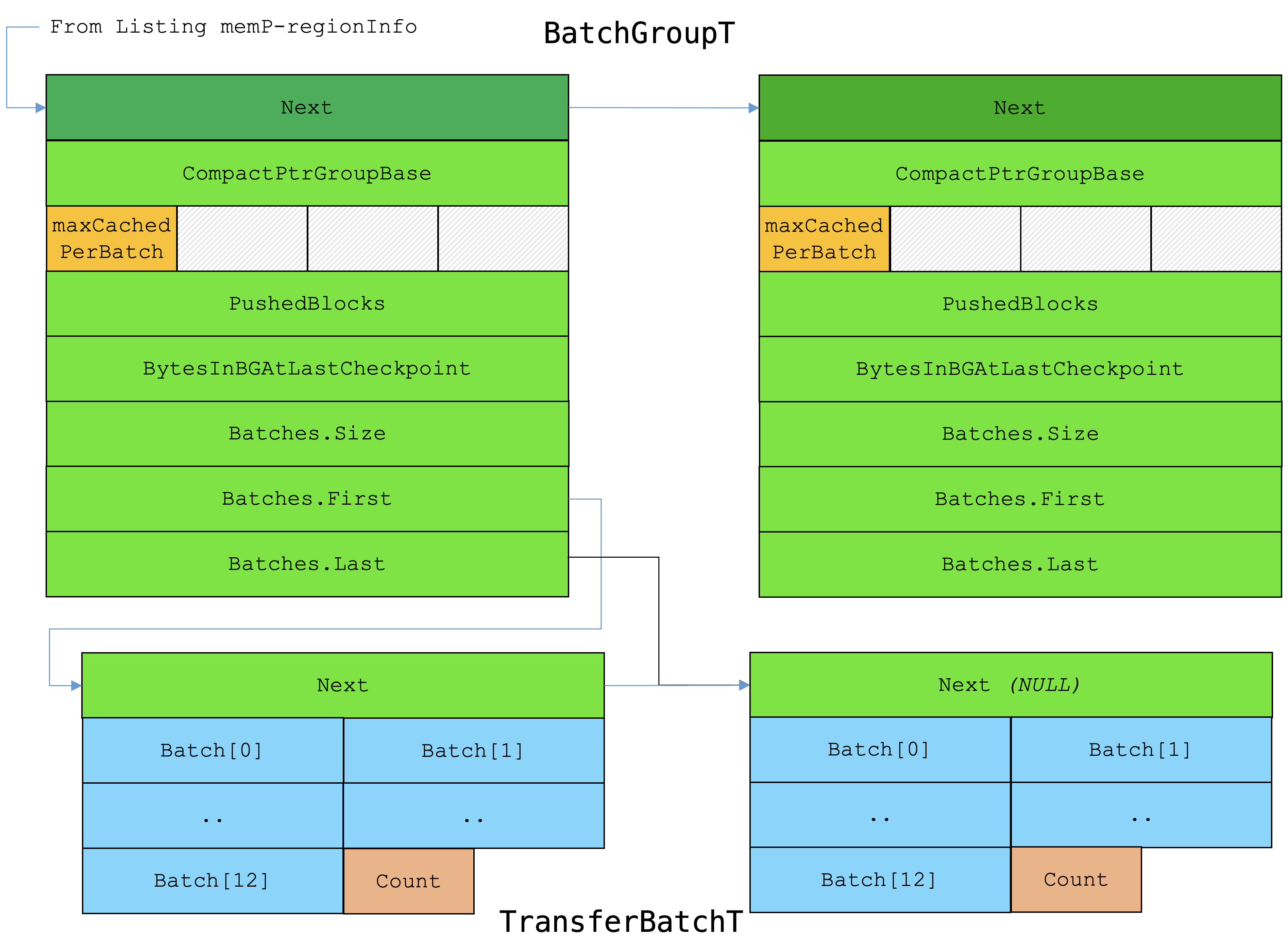
While both Scudo heap tagging and LLVM stack variable tagging rely on ARMv9 Memory Tagging Extension (MTE) hardware to enforce memory safety, they operate at different layers of the software stack and target distinct memory domains.
Scudo handles dynamic memory at runtime via the C library allocator, whereas LLVM stack tagging is generated at compile time by the compiler backend (-fsanitize=memtag-stack).
1. Architectural Comparison Matrix
Architectural Feature
Scudo Heap Tagging (-fsanitize=memtag-heap)
LLVM Stack Tagging (-fsanitize=memtag-stack)
Execution Layer
Runtime Allocator (libc / Bionic)
Compiler Code Generation (AArch64StackTagging LLVM Pass)
Target Memory Domain
Heap (malloc, calloc, free, new, delete)
Stack (Local variables, function frames, stack buffers)
Tag Generation Method IRG instruction generates a new random tag per malloc() call.
One base IRG tag for the stack frame; individual local variables derive offset tags via ADDG.
Lifecycle & Scope
Bound to explicit allocation lifetime (malloc $\rightarrow$ free).
Bound to function scope / lexical scope (Prologue $\rightarrow$ Epilogue).
Target Vulnerabilities
Heap Buffer Overflows, Use-After-Free (UAF), Double Free.
Stack Buffer Overflows, Use-After-Return, Use-After-Scope.
Typical CPU Overhead
Low: $\sim 1\% - 6\%$ (Only triggers during heap operations).
Moderate to High: $\sim 15\%$ average (up to $>100\%$ on function-heavy code).
Stack / Heap Size Impact
$16$-byte minimum allocation alignment + Scudo chunk header ($8\text{--}16$ bytes).
Forces $16$-byte alignment and padding between every tagged local variable.
2. Tag Generation & Instruction Mechanics
A. Scudo Heap Tagging (Dynamic Runtime)
When malloc(32) is called, Scudo executes a runtime routine:
-
Random Tagging: Generates a random $4$-bit tag for the requested buffer using
IRG. -
Memory Tagging: Uses
ST2GorSTGP(Set Tag and Pair) to write the tag across two $16$-byte granules ($32$ bytes) of memory. -
Deallocation Invalidation: Upon
free(), Scudo usesIRGto generate a different tag and overwrites physical memory tags viaSTG. Any lingering pointer still holding the old tag immediately fails on subsequent access.
ARM assembler
// Scudo Malloc Generation (Conceptual ARM Assembly)
IRG   X0, SP              // Generate random 4-bit tag in top byte of X0
ST2G  X0, [X0]            // Tag 32 bytes of heap payload in physical RAM
// Returns tagged pointer X0 to application
B. LLVM Stack Tagging (Static Compiler Instrumentation)
For local stack variables, generating an IRG random tag for every local variable would create unacceptable register pressure and instruction bloat. Instead, the LLVM compiler uses an optimized base-tag derivation strategy:
-
Base Frame Tag: On function entry (prologue),
IRGgenerates a single base tag for the stack pointerSP. -
Tag Derivation via
ADDG: The compiler assigns unique tags to individual local variables usingADDG(Add Tagged Immediate).ADDGincrements both the memory offset and the $4$-bit tag value (modulo $16$) in a single instruction. -
Prologue Tagging: Writes variable tags to stack memory using
STG,ST2G, orSTGP. -
Epilogue Untagging: Upon function return, the epilogue uses
STGto restore stack memory tags back to the defaultSPtag, preventing Use-After-Return attacks.
ARM assembler
// LLVM Stack Instrumentation for two local variables (int a, int b)
IRG   X19, SP             // 1. Generate single base tag for the function frame
ADDG  X0, X19, #0, #1     // Variable 'a': Offset +0 bytes, Tag +1
ADDG  X1, X19, #16, #2    // Variable 'b': Offset +16 bytes, Tag +2
STG   X0, [X0]            // Tag memory for 'a'
STG   X1, [X1]            // Tag memory for 'b'

BL    use_vars            // Call function body

ST2G  SP, [SP]            // Epilogue: Revert stack memory tags back to SP tag before return
3. Performance and Overhead Trade-offs
Why Stack Tagging Is More Expensive Than Heap Tagging
-
Execution Frequency: Programs call
malloc/freeperiodically, but functions enter and exit continuously. Adding prologue and epilogue tagging instructions to every function with local stack arrays creates significant code size and execution overhead. -
Cache & Memory Bus Contention: Frequently modifying stack tags in function prologues forces frequent writes to $L1$ data cache lines and tag memory arrays. On benchmarks like SPEC CPU, stack tagging alone (
-fsanitize=memtag-stack) averages a $\sim 15\%$ CPU overhead, whereas Scudo heap tagging averages $\sim 3\text{--}6\%$.
Stack Alignment & Bloat
LLVM stack tagging forces all tagged local variables to be aligned to $16$-byte boundaries. If a function declares three char variables, a standard compiler packs them into 3 bytes on the stack. With MTE stack tagging enabled, each variable grows to a full 16-byte granule (48 bytes total), increasing stack frame size and cache footprint.
4. Production Strategy
Because stack tagging carries higher CPU overhead, production platforms like Android 14+ enforce a split deployment model:
-
Production Default: Scudo Heap Tagging is enabled globally for system daemons and apps due to its low CPU overhead ($\sim 1\text{--}3\%$ in ASYNC mode) and high effectiveness against heap-based exploits.
-
Testing / Hardened Deployments: LLVM Stack Tagging (
-fsanitize=memtag-stack) is enabled alongside heap tagging in security-critical components, continuous integration testing, or high-assurance environments to achieve complete end-to-end memory safety.
Comments
Post a Comment
Do not insert clickable links or your comment will be deleted. Checkbox Send me notifications to be notified of new comments via email.