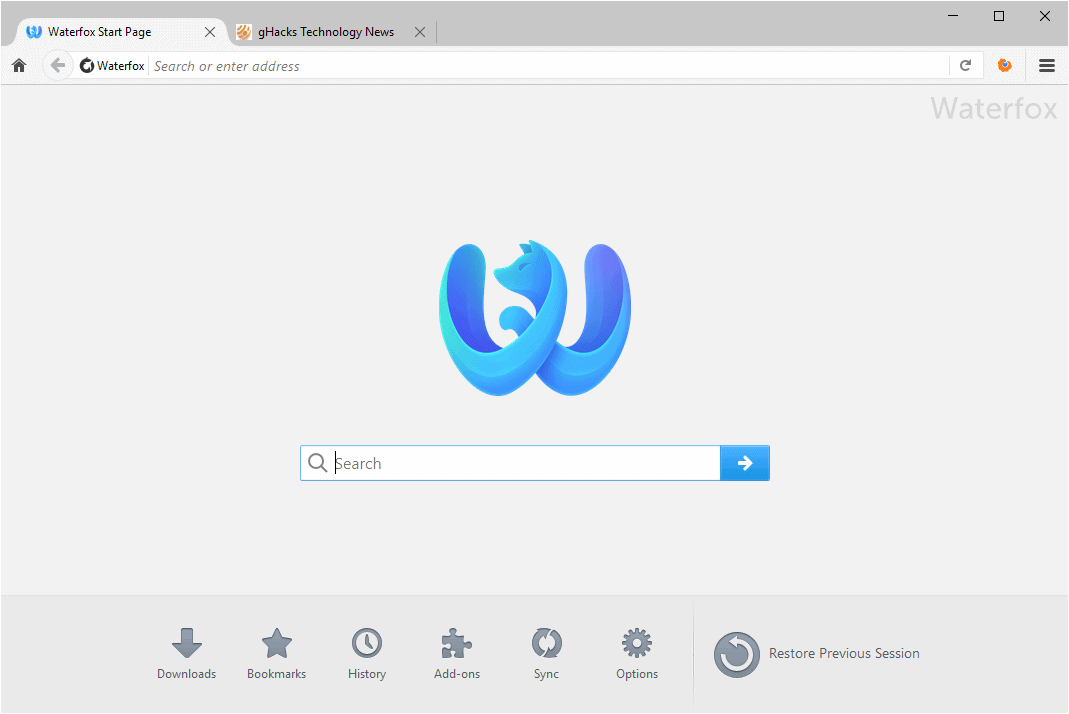
Waterfox Essentials: Use extensions to add features to Waterfox

Extensions are a type of Waterfox add-on. This article describes how to find, install and manage extensions in Waterfox.

What are extensions?

Extensions are Waterfox add-ons that provide additional functionality to Waterfox.

People all over the world have developed thousands of extensions for Waterfox. There are extensions that allow you to block advertisements, download videos from websites, integrate more closely with websites like Facebook or Twitter, and add features you see in other browsers.

How to install extensions

  1. Click the menu button menu button, click Add-ons and Themes and select Get Add-ons.
    • You can also search for specific extensions by using the search box at the top.
  2. After finding an extension, click on the ‘Add to Firefox’ button.
  3. Waterfox will download the requested extension and may ask you to confirm that you want to install it.

Managing extensions

How to change extension settings

Some extensions have settings you can change.

  1. Click the menu button menu button, click Add-ons and Themes and select Extensions .
  2. Select the extension you want to edit.
  3. Click the Options button.
    • If the Options button is not available, the extension does not offer settings to change.
How to disable or remove extensions

If you select an extension in the Add-ons Manager’s Extensions panel, you can click Disable to turn it off or to remove it. For more information, see Disable or remove Add-ons.

Source

Comments

Popular posts from this blog

Windows Media Player 12 Themes for Windows 7

Bored of your default Windows Media Player Skins?. Grab some fresh and new Windows Media Player 12 themes for Windows 7 ! Windows Media Player 12 Codecs Windows Media Player 12 comes with support for DivX and MP4, but it still lacks supports for many other video formats. (amr | mpc | ofr | divx | mka | ape | flac | evo | flv | m4b | mkv | ogg | ogv | ogm | rmvb | xvid)ù A popular codec pack can be downloaded here and here . Windows Media Player 12 Skins The following skin packages includes some really awesome themes for your Windows Media Player: Alienware Theme Batman Theme Catwoman Theme Darkstar Theme Half-Life Theme Halo 2 Theme The Last Samurai Theme Stalker Theme XBOX Theme XSN Sports Them Download Windows Media Player Themes Pack 1 (70 Skins) Download Windows Media Player Themes Pack 2 (12 Skins) New Year Theme 2010 for Windows 7 This theme can be downloaded for free from uploaded.to Custom Search If you liked this article, subscribe t...

Windows 7 Keyboard Shortcuts.

Keyboard shortcuts are combinations of two or more keys that, when pressed, can be used to perform a task that would typically require a mouse or other pointing device. Keyboard shortcuts can make it easier to interact with your computer, saving you time and effort as you work with Windows and other programs.  Most programs also provide accelerator keys that can make it easier to work with menus and other commands. Check the menus of programs for accelerator keys.  If a letter is underlined in a menu, that usually means that pressing the Alt key in combination with the underlined key will have the same effect as clicking that menu item. Pressing the Alt key in some programs, such as Paint and WordPad, shows commands that are labeled with additional keys that you can press to use them. Dialog box keyboard shortcuts. The following table contains keyboard shortcuts for use in dialog boxes. Press this key To do this: Ctrl+Tab Move forward through tabs...

Windows 7 consumer security software providers.

We recommend that you install security software to help protect your computer from viruses and other security threats, and that you keep your security software up to date. Some companies use products that appear to be antivirus programs to install viruses or malware on your computer. When you install the program, you might also be installing the virus or other malware, without knowing it. Many companies, including those listed on this page, distribute antivirus programs. You should carefully investigate the source of antivirus and other products before downloading and installing them. The companies listed below provide consumer security software that is compatible with Windows 7. Just click the company name to see the Windows 7-compatible product they offer. For business security software that is compatible with Windows 7, please visit the Windows 7 Compatibility Center or contact your security vendor of choice. Important: Before you install antivirus software, check to make s...