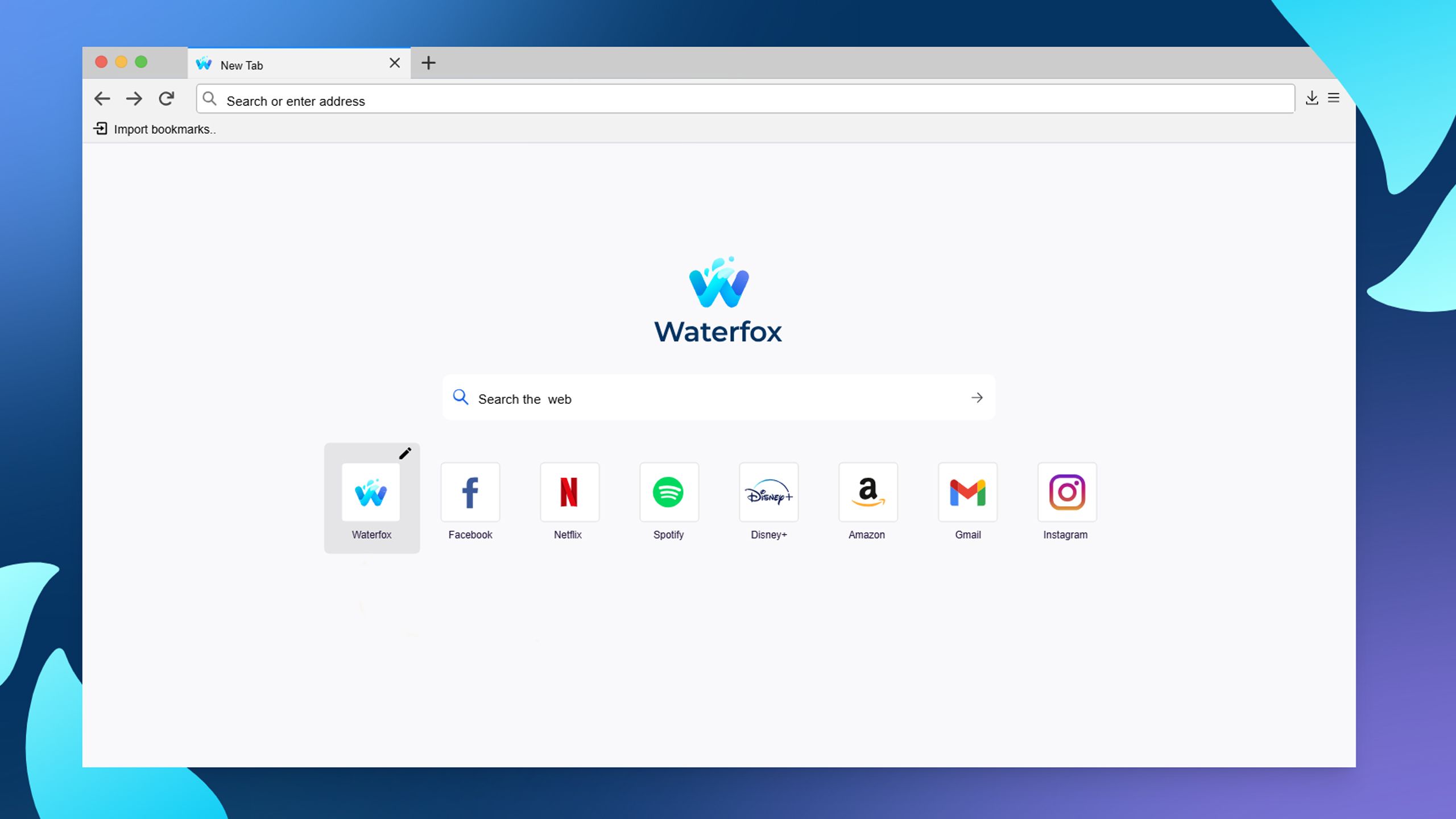
Waterfox Essentials: Complete Guide to Secure & Private Browsing

Waterfox was started back in March 2011 by myself (Alex Kontos), a then 16 year old student. I had a fascination for the web and wanted to help expand on the ideals of what Mozilla had for a free and open web. And so I decided to make Waterfox, a 64-Bit browser based on Mozilla’s free and open source platform.

Waterfox was one of the first widely distributed 64-Bit browsers on the web and quickly gained a loyal following. At a time Waterfox had one thing in mind: speed, but now Waterfox also attempts to be an ethical, user-oriented browser.

The browser is all about balance of privacy and useability. Too much focus on privacy and the web becomes too broken to use. Too little and data leakage happens. With Waterfox, you should find comfort in knowing that what you are doing inside your browser is only known by you.

Waterfox is an open-source web browser based on Firefox, but with a focus on speed, privacy, and customization for advanced users. It differs from Firefox in that it removes some features like Pocket and telemetry, and allows the use of classic Firefox extensions.

Key Features:

Open Source:

Like Firefox, Waterfox is open-source software, meaning its source code is accessible and can be modified by the community.

Based on Firefox:

Waterfox uses Mozilla Firefox's Gecko rendering engine, but with modifications that aim to improve speed and privacy.

Privacy Focus:

Waterfox removes Firefox telemetry and disables features like Pocket, an article saving service, to offer a more private experience.

Customization:

Waterfox allows the use of classic Firefox extensions that are no longer supported in newer versions of Mozilla's browser.

64-bit Support:

Waterfox was one of the first browsers to offer full support for 64-bit systems.

Cross-platform:

Waterfox is available for Windows, macOS, and Linux.

Differences from Firefox:

Privacy:

Waterfox removes data-collecting features from Firefox, such as Pocket and Telemetry, and offers greater control over the browser's default settings.

Classic Extensions:

Waterfox allows the use of XUL and XPCOM extensions that are no longer supported in newer versions of Firefox.

Speed:

Waterfox focuses on speed and performance, especially for users with older hardware or 64-bit systems.
In short, Waterfox is a Firefox alternative for users looking for a faster, more private, and customizable browser, with the option to use classic extensions that are no longer supported in Firefox.

source

Comments

Popular posts from this blog

Windows Media Player 12 Themes for Windows 7

Bored of your default Windows Media Player Skins?. Grab some fresh and new Windows Media Player 12 themes for Windows 7 ! Windows Media Player 12 Codecs Windows Media Player 12 comes with support for DivX and MP4, but it still lacks supports for many other video formats. (amr | mpc | ofr | divx | mka | ape | flac | evo | flv | m4b | mkv | ogg | ogv | ogm | rmvb | xvid)ù A popular codec pack can be downloaded here and here . Windows Media Player 12 Skins The following skin packages includes some really awesome themes for your Windows Media Player: Alienware Theme Batman Theme Catwoman Theme Darkstar Theme Half-Life Theme Halo 2 Theme The Last Samurai Theme Stalker Theme XBOX Theme XSN Sports Them Download Windows Media Player Themes Pack 1 (70 Skins) Download Windows Media Player Themes Pack 2 (12 Skins) New Year Theme 2010 for Windows 7 This theme can be downloaded for free from uploaded.to Custom Search If you liked this article, subscribe t...

Windows 7 Themes.

Windows themes always seem to be a big hit. With the launch of Windows 7, the themes for Windows 7 have been in high demand.  These themes are free, both on Microsoft's part and the other ones as well.  Windows 7 has been developed keeping in mind the different points of views of the users and the commentators, because it's very easy to use and light to carry.  I've created a compilation where you can find many Windows 7 (W7) themes.  Take a look at some of these themes, some are really attractive based on Windows 7 and others are based on games, cars, vehicles, animations, just to name a few. Enjoy! Windows Strata40 Download Info of Windows Strata40 Blaque :: Final:: Download Info of Blaque :: Final:: Winter Mac Theme on W7 Download Info of Winter Mac Theme on W7 Sonye Theme for Win7 v2 Download Info of Sonye Theme for Win7 v2 Elegant-Glass-V2 Download Info of Elegant-Gl...

Windows 7 Keyboard Shortcuts.

Keyboard shortcuts are combinations of two or more keys that, when pressed, can be used to perform a task that would typically require a mouse or other pointing device. Keyboard shortcuts can make it easier to interact with your computer, saving you time and effort as you work with Windows and other programs.  Most programs also provide accelerator keys that can make it easier to work with menus and other commands. Check the menus of programs for accelerator keys.  If a letter is underlined in a menu, that usually means that pressing the Alt key in combination with the underlined key will have the same effect as clicking that menu item. Pressing the Alt key in some programs, such as Paint and WordPad, shows commands that are labeled with additional keys that you can press to use them. Dialog box keyboard shortcuts. The following table contains keyboard shortcuts for use in dialog boxes. Press this key To do this: Ctrl+Tab Move forward through tabs...